Room Planner 3D
Room Planner 3D for One Room or a Whole Home
ArchAI is a room planner 3D and AI room planner for people who want to get one room right — a living room, bedroom, or kitchen — and then keep going through the rest of the home.
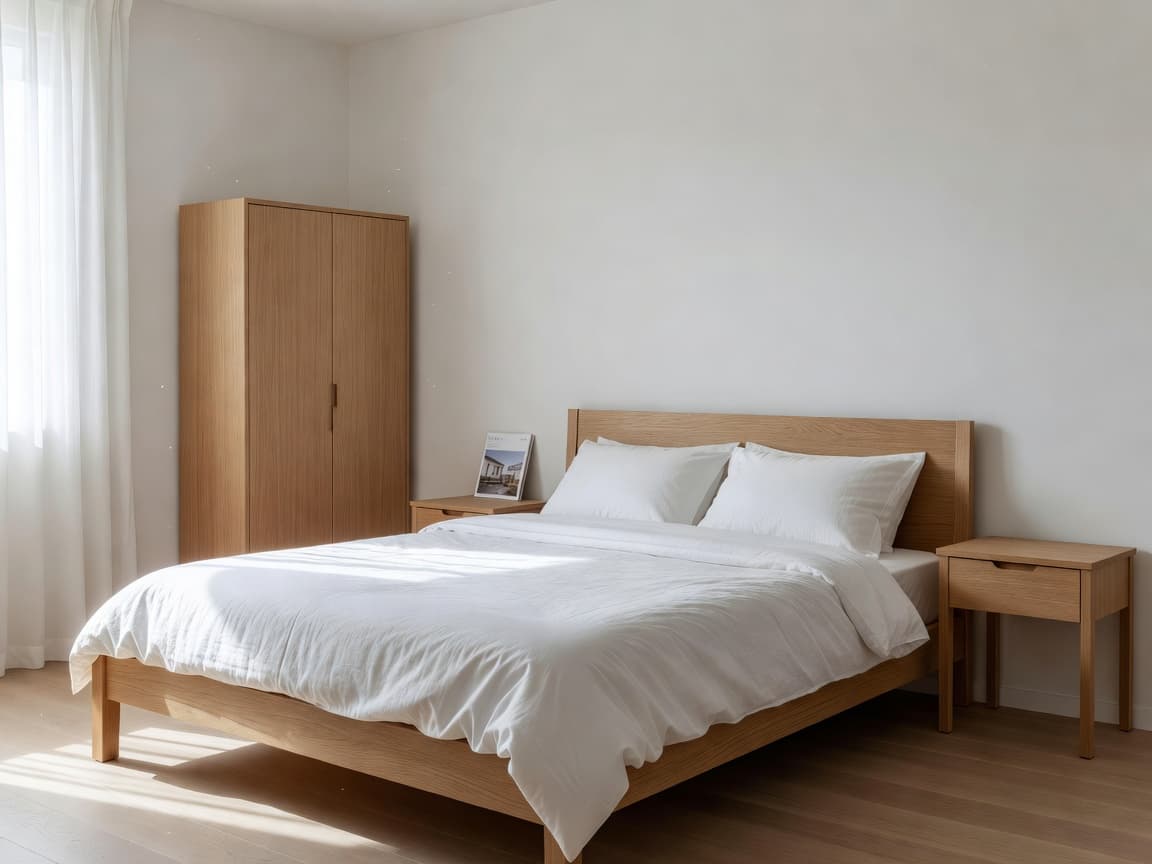
Plan a room in 3D, then see it stand up
Draw or scan the room, drop furniture from 61 objects, and open 3D. Rotate pieces, set exact sizes, and let Plan Check warn you about blocked doors or tight gaps.
If you only need one space today, start with a single-room scan or the studio template. You can add more rooms later.
AI room planner tools that stay optional
Ask for layout ideas from a measured scan, generate a full floor, or redesign a photo. None of those steps are required to use the room planner. They are there when you want a second opinion.
Room Planner 3D questions
Is ArchAI a room planner 3D or a whole-home app?
Both. You can plan one room — a bedroom or kitchen — or keep adding rooms until you have a full home plan.
How many furniture objects can I place?
The catalog has 61 objects. Free plans start with a core set; Pro unlocks the rest, including space-saving pieces.
How this Room Planner 3D fits the ArchAI home planner
ArchAI keeps floor plans, LiDAR scans, furniture, 3D views, and renovation tools in one iPhone and iPad app. This page covers room planner 3d. For the full product, start on the AI Home Planner homepage, then download ArchAI from the App Store.

Open this in ArchAI
Available for iPhone and iPad.

Related home planner guides