Apartment Planner
Apartment Planner 3D for Studios and Flats
ArchAI works as an apartment planner 3D and house planner when the home is compact. Start from a studio template, a one-bedroom template, a LiDAR scan, or an AI-generated apartment layout.
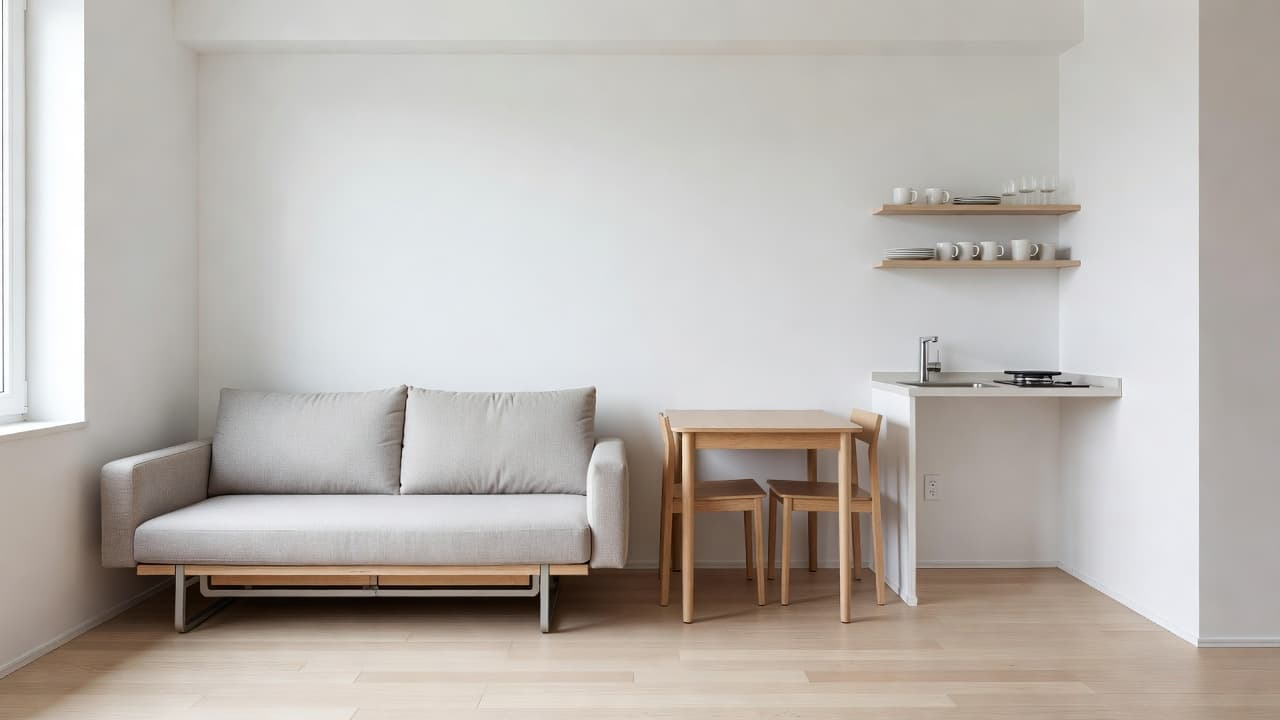
Apartment furniture planner without guesswork
Space-saving pieces — Murphy bed, sofa bed, fold-out desk, folding table — sit in the catalog beside regular sofas and beds. Combined with exact dimensions, that is how you test whether a studio still walks comfortably.
Plan Check is especially useful in apartments, where a door swing and a dining table often fight for the same patch of floor.
Floor plan from photo for an apartment
If you only have the floor plan from a listing, import it, calibrate, and try furniture before you sign or before moving day. If you already have the keys, scan the rooms with LiDAR on a compatible iPhone.
Apartment Planner questions
Can I plan a studio apartment in 3D?
Yes. Start from a studio template, an AI-generated apartment layout, a listing photo, or a LiDAR scan, then place space-saving furniture.
How do I use a listing floor plan?
Import the photo, calibrate a known length, and furnish the editable plan before you sign or before moving day.
How this Apartment Planner fits the ArchAI home planner
ArchAI keeps floor plans, LiDAR scans, furniture, 3D views, and renovation tools in one iPhone and iPad app. This page covers apartment planner. For the full product, start on the AI Home Planner homepage, then download ArchAI from the App Store.

Open this in ArchAI
Available for iPhone and iPad.

Related home planner guides