Room Measurement App
Room Measurement App: Tape Measure, Optional
ArchAI is a room measurement app for iPhone and iPad. Use Quick Measure for point-to-point distances in AR, or scan with LiDAR when you need walls, floor area, and ceiling height in one capture.
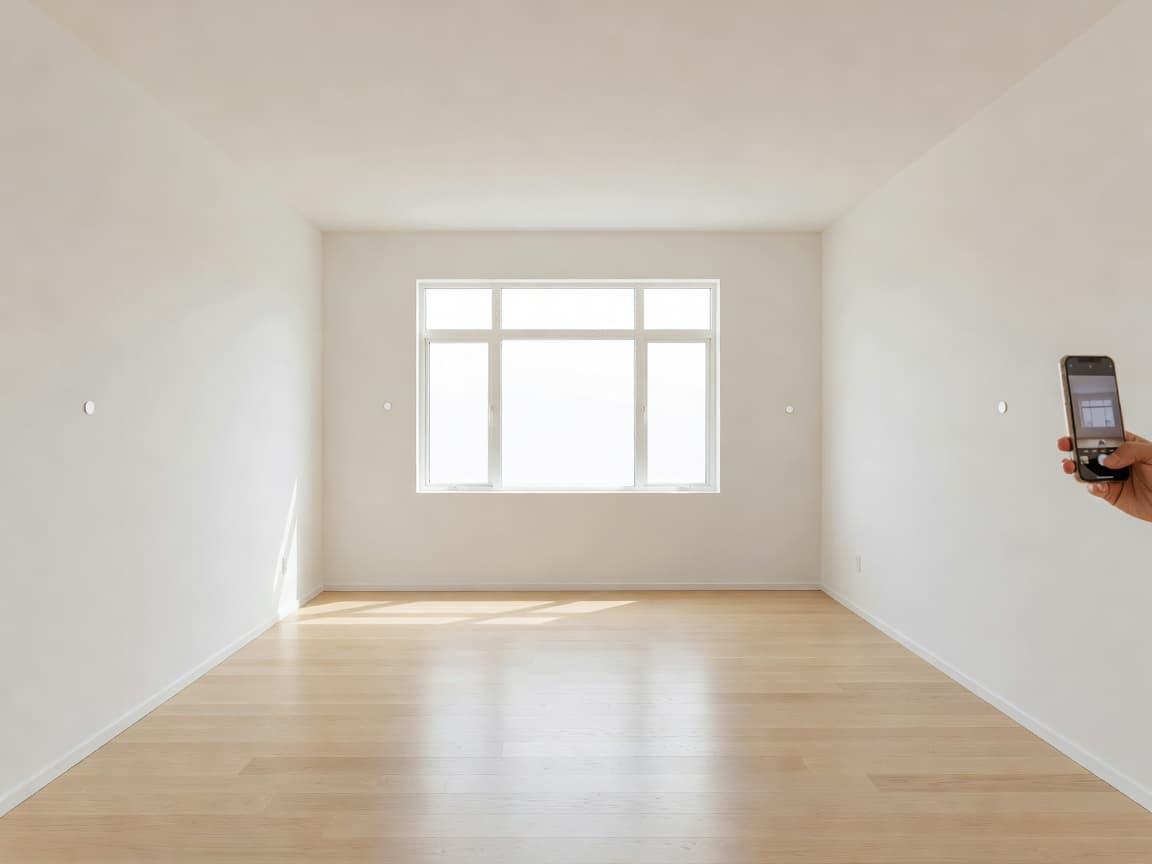
Measure room with iPhone in AR
Point the camera, place a point, place another, and read the length. Keep several measurements, a running total, and switch metric or imperial. Share the list as text.
LiDAR can improve surface understanding on supported devices. The basic AR measuring workflow does not require it.
When to use the LiDAR room scanner
If you need a full room — every wall, the openings, the area — a LiDAR scan is faster than a dozen individual measurements. Use Quick Measure for a doorway, a radiator gap, or a single wall you forgot.
Room Measurement App questions
Can I measure a room with my iPhone?
Yes. Quick Measure places points in AR and shows the distance, with a running total and metric or imperial units. LiDAR is optional for this workflow.
When should I scan instead of measuring point by point?
Scan with LiDAR when you need the whole room — walls, openings, area, and ceiling height. Use Quick Measure for a doorway, a gap, or one wall.
How this Room Measurement App fits the ArchAI home planner
ArchAI keeps floor plans, LiDAR scans, furniture, 3D views, and renovation tools in one iPhone and iPad app. This page covers room measurement app. For the full product, start on the AI Home Planner homepage, then download ArchAI from the App Store.

Open this in ArchAI
Available for iPhone and iPad.

Related home planner guides