AI Floor Plan Generator
AI Floor Plan Generator: Layouts You Can Still Edit
ArchAI’s AI floor plan generator builds an editable home layout from a short brief. Choose apartment, house, studio, or office, pick an approximate size, and select the rooms you need.
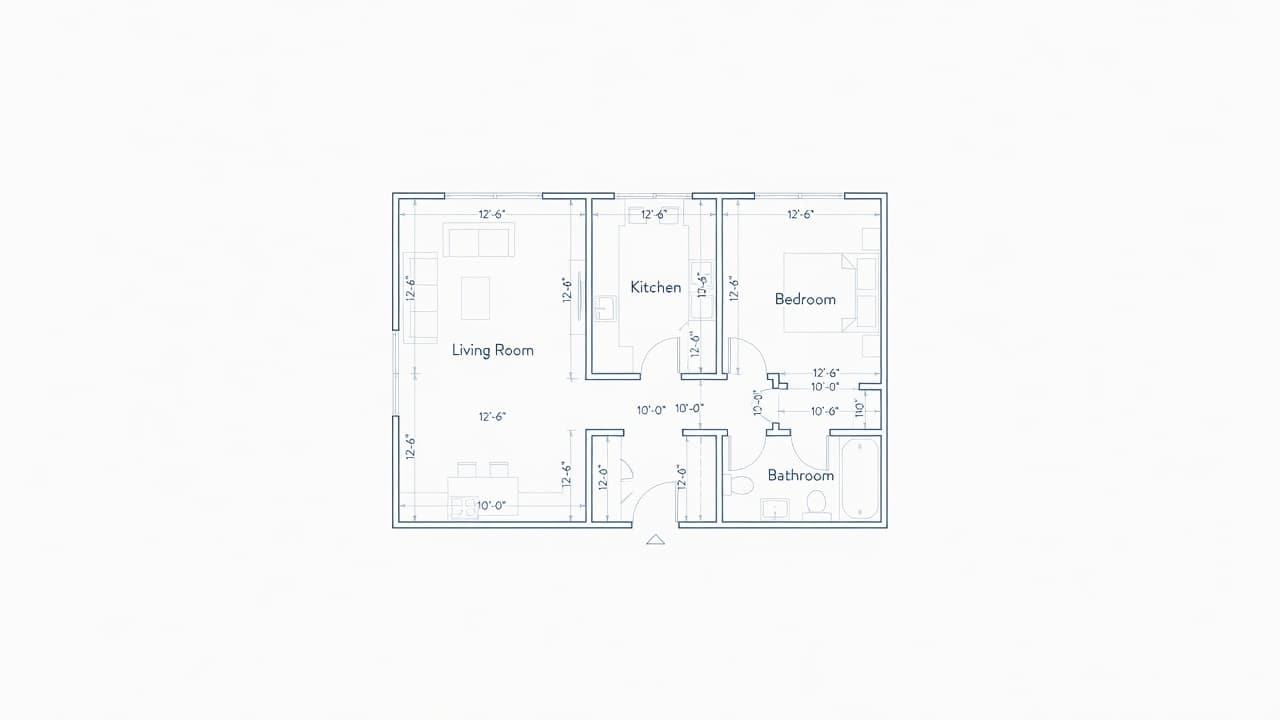
Generate a floor plan with AI
The generator returns rooms, doors, windows, and catalog furniture. You can reshape anything that does not match your real walls. That is the difference between a picture of a plan and a floor plan you can keep using.
AI-generated layouts are planning concepts, not architectural or construction drawings.
When an AI floor plan generator helps most
Use it when you are starting from a blank page — a future house, a studio refresh, or an office nook — and you want a reasonable first pass. Then switch to drawing and Plan Check to make the layout yours.
AI Floor Plan Generator questions
Can AI create a floor plan?
Yes. Choose apartment, house, studio, or office, pick a size and rooms, and ArchAI generates an editable layout with doors, windows, and furniture.
Are AI floor plans construction drawings?
No. AI-generated layouts are planning concepts. Edit them to match real walls before you buy furniture or talk to a contractor.
How this AI Floor Plan Generator fits the ArchAI home planner
ArchAI keeps floor plans, LiDAR scans, furniture, 3D views, and renovation tools in one iPhone and iPad app. This page covers ai floor plan generator. For the full product, start on the AI Home Planner homepage, then download ArchAI from the App Store.

Open this in ArchAI
Available for iPhone and iPad.

Related home planner guides