3D Floor Planner
3D Floor Planner: Orbit, Walk, and Review
ArchAI’s 3D floor planner shows the current floor as a SceneKit model: walls, doors, windows, furniture, and materials. It is the fastest way to review a floor plan to 3D conversion on iPhone or iPad.
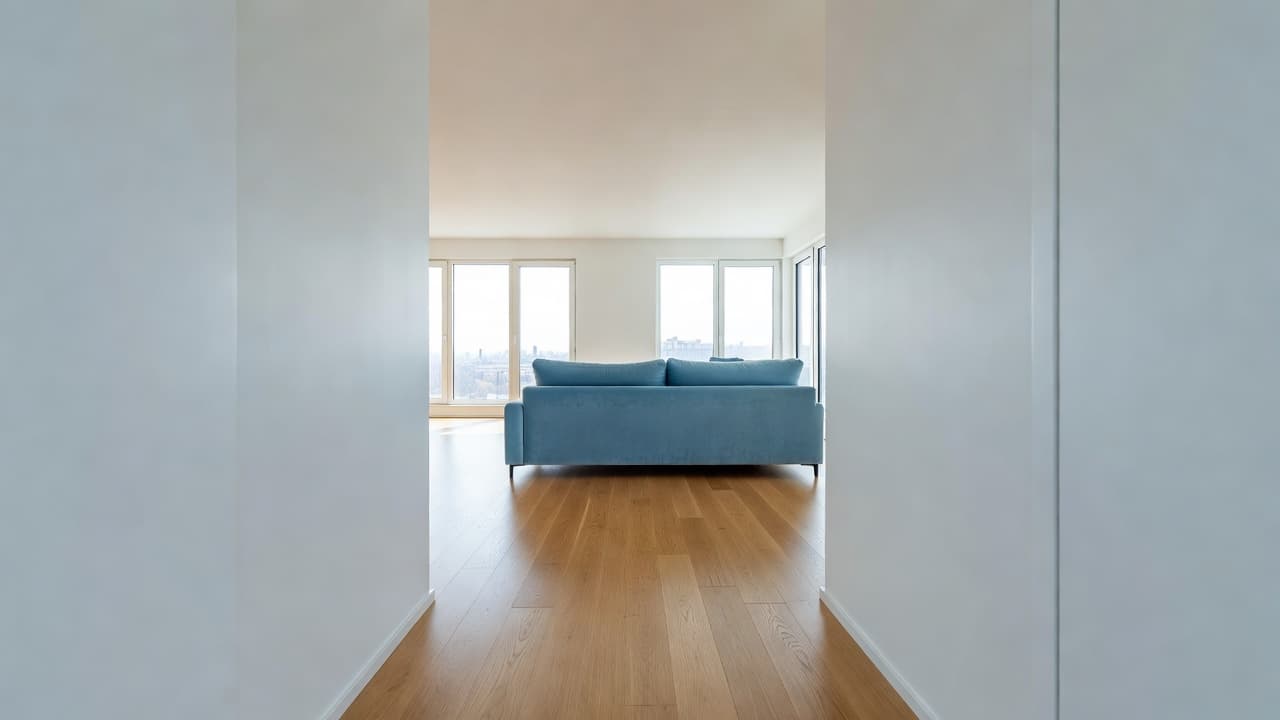
What you see in the 3D floor planner
Walls use the floor height you chose. Windows sit on a sill. Furniture uses catalog heights so a wardrobe is not a flat rectangle. Change wall color or floor material and the 3D view updates.
On larger iPads, a split view can keep the 2D canvas and live 3D pane open together.
3D floor plan walkthrough and video
Pro unlocks first-person movement and MP4 recording. Use a walkthrough when you want family or a contractor to understand the plan without standing over your shoulder.
3D Floor Planner questions
Can I turn a floor plan into 3D?
Yes. ArchAI’s 3D floor planner builds a model from the current floor with walls, openings, furniture, wall colors, and floor materials.
Does 3D floor planning work on iPad?
Yes. On larger iPads a split view can show the 2D canvas and a live 3D pane together.
How this 3D Floor Planner fits the ArchAI home planner
ArchAI keeps floor plans, LiDAR scans, furniture, 3D views, and renovation tools in one iPhone and iPad app. This page covers 3d floor planner. For the full product, start on the AI Home Planner homepage, then download ArchAI from the App Store.

Open this in ArchAI
Available for iPhone and iPad.

Related home planner guides