LiDAR Room Scanner
LiDAR Room Scanner for Existing Spaces
ArchAI is a LiDAR room scanner and room scanner app for compatible iPhones and iPads. It uses Apple’s room-scanning technology to capture walls, doors, windows, room dimensions, floor area, ceiling height, and supported furniture.
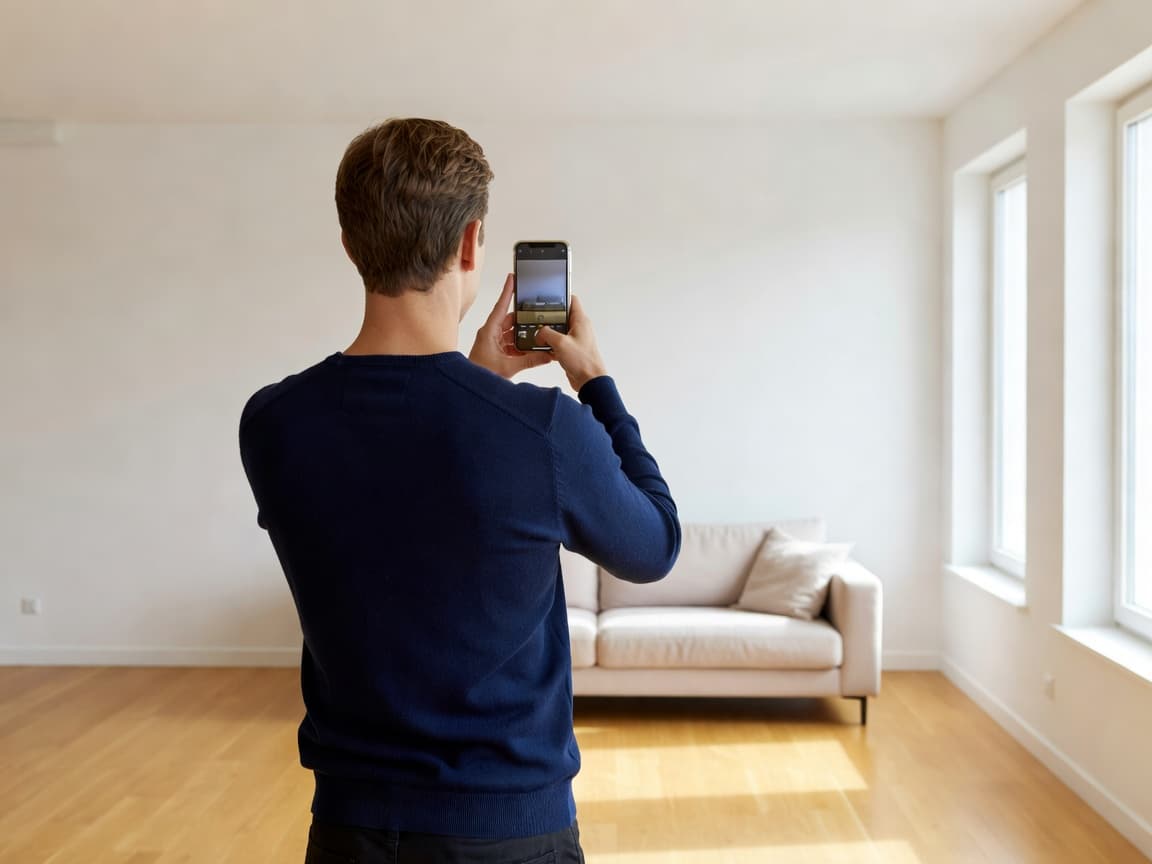
Scan a room with LiDAR, then keep working
When a scan finishes you get a 2D plan, a quality score, wall sizes, and a furniture list. Save it, open it in 3D, drop it into the floor planner, or build a PDF report.
Whole-home capture lets you scan multiple rooms and merge them. If the merge fails, the rooms remain as individual scans.
LiDAR 3D scanner limits to know
LiDAR scanning needs a LiDAR-equipped device. Measurements are planning aids. Lighting, clutter, and how you walk the room all affect quality. ArchAI will suggest a rescan when confidence is low.
LiDAR Room Scanner questions
What is a LiDAR room scanner?
A LiDAR room scanner uses a depth sensor to capture walls, openings, and room size. ArchAI uses Apple’s room-scanning technology on compatible devices.
Do I need LiDAR for every ArchAI feature?
No. LiDAR is required for 3D room scanning. Floor plans, AR measure, furniture fit, 3D preview, and AI design work without it on supported iPhones and iPads.
How this LiDAR Room Scanner fits the ArchAI home planner
ArchAI keeps floor plans, LiDAR scans, furniture, 3D views, and renovation tools in one iPhone and iPad app. This page covers lidar room scanner. For the full product, start on the AI Home Planner homepage, then download ArchAI from the App Store.

Open this in ArchAI
Available for iPhone and iPad.

Related home planner guides